If you are switching from Windows and used to the phonetic keyboard layout, you will notice that Mac OS X doesn’t have it preinstalled. Google didn’t help me find a solution, so I created my own, and now I can share it with you.
Update 15.07.2018
The bundle was updated, so it is now compatible with the latest OS X versions.
Installing
- Download the ZIP file to your machine.
- Extract the
Armenian Phonetic.bundlefile to the/Library/Keyboard Layouts/folder. - Open System Preferences → Keyboard → Input Sources and select Armenian Phonetic from the Armenian section.
On older systems, open System Preferences → Language & Text → Input Sources and select Armenian Phonetic from the input methods list.
Layout
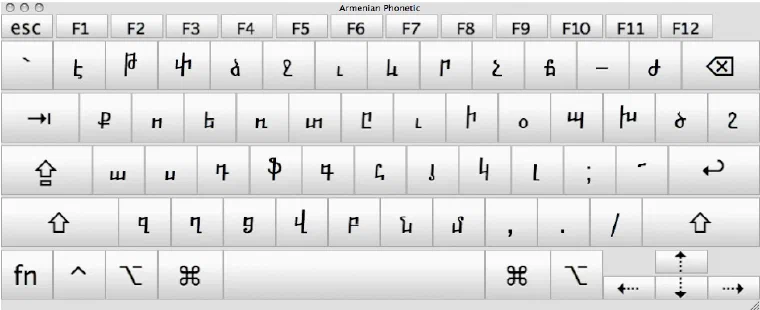
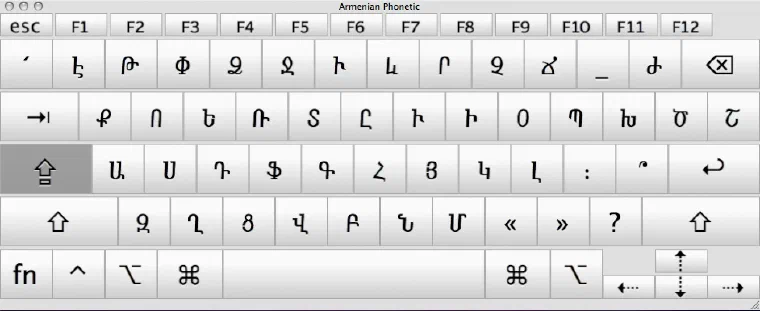
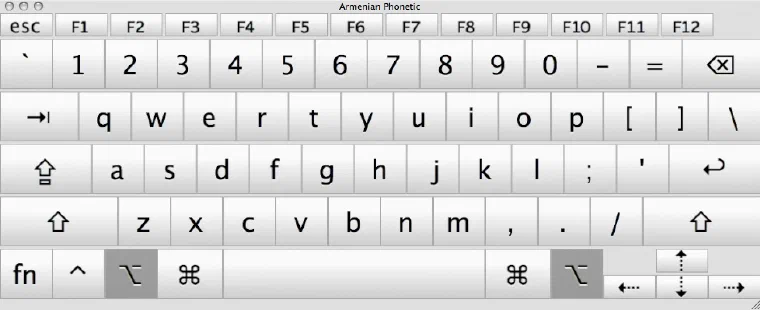
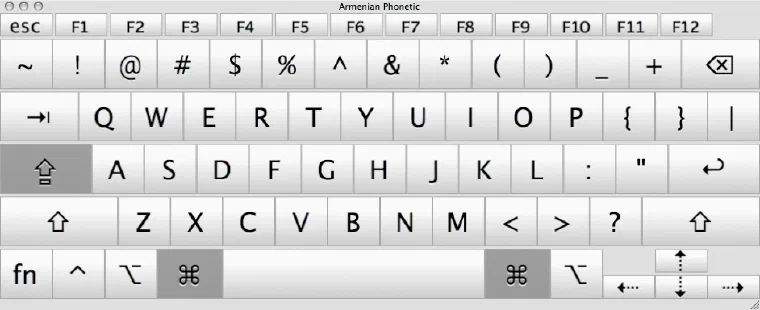
The images below show the position of the keys you get with the installed layout, both lowercase and uppercase.
License
By installing, copying, or otherwise using the Software, you agree to be bound by the terms of this Agreement. If you do not agree to the terms of this Agreement, do not install or use the Software.
This Software is provided “AS IS” and without warranty, express or implied.
This Software is being distributed as Freeware. It may be freely used, copied and distributed as long as it is not sold, and all original files are included, including this license. You are NOT allowed to make a charge for distributing this Software (either for profit or merely to recover your media and distribution costs) whether as a stand-alone product, or as part of a compilation or anthology, without explicit prior written permission.
Made with the help of Ukelele, the Mac OS X keyboard layout editor.
Comments
Sign in with Google, GitHub or Facebook to comment.
Loading comments…