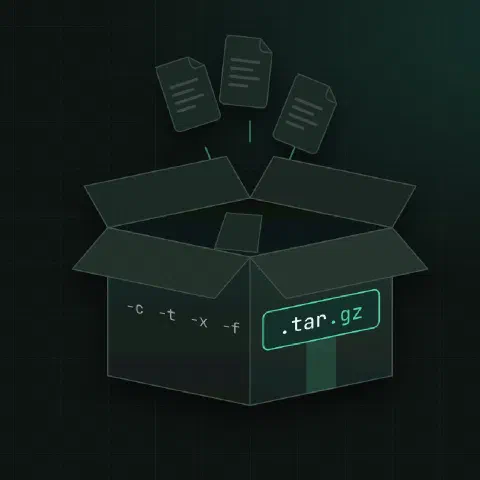
The three letters to remember: c create, t list, x extract. Add f followed by the archive name, v to see each file, and one compression flag. GNU tar detects compression on extract, so you only need the flag when creating.
Create
# Archive a directory (no compression)
tar -cf backup.tar /etc/nginx

# gzip, xz or zstd
tar -czf backup.tar.gz /etc/nginx
tar -cJf backup.tar.xz /etc/nginx
tar --zstd -cf backup.tar.zst /etc/nginx

# Pick the compressor by file extension
tar -caf backup.tar.zst /etc/nginx

# Store paths relative to a directory (no leading /var/www)
tar -czf site.tar.gz -C /var/www html

# Leave things out
tar -czf home.tar.gz --exclude='*.log' --exclude='.cache' /home/alice

# Files listed in a file, one per line
tar -czf selected.tar.gz -T files.txt
List
tar -tf backup.tar.gz
tar -tvf backup.tar.gz          # with permissions, owner, size and date
tar -tf backup.tar.gz | grep nginx.conf
Extract
# Into the current directory
tar -xf backup.tar.gz

# Into another directory (it must exist)
tar -xf backup.tar.gz -C /tmp/restore

# Only some files: use the paths exactly as tar -t shows them
tar -xf backup.tar.gz etc/nginx/nginx.conf
tar -xf backup.tar.gz --wildcards '*.conf'

# Drop the first path component (project-1.2/src → src)
tar -xf project-1.2.tar.gz --strip-components=1

# Don't overwrite files that already exist
tar -xf backup.tar.gz --keep-old-files
SSH and pipes
# Copy a directory to another host without a temporary file
tar -czf - /var/www | ssh backup@host 'cat > www.tar.gz'

# Unpack on the remote side directly
tar -cf - -C /var/www html | ssh host 'tar -xf - -C /srv'

# Download and unpack in one step
curl -fsSL https://example.com/app.tar.gz | tar -xzf - -C /opt
Check and compare
# Test that a compressed archive is readable
tar -tzf backup.tar.gz >/dev/null && echo OK

# Compare the archive with the files on disk
tar -df backup.tar
Keep in mind
- Order matters for
-f: the archive name comes right after it.tar -czf out.tar.gz dirworks;tar -cfz out.tar.gz dircreates an archive calledz. - Leading
/is stripped when creating (“Removing leading/from member names”), so archives extract relative to where you are. That’s a safety feature; keep it. - Owners and permissions are restored only when you extract as root. Use
--same-owner/--no-same-ownerto be explicit. - zstd is usually the best trade-off today: faster than gzip at a similar or better ratio, and close to xz at high levels.
-I 'zstd -19 -T0'uses level 19 on all cores.
Comments
Sign in with Google, GitHub or Facebook to comment.
Loading comments…